
Rough source
- Messy note fragments
- Study or meeting context
- Open questions in the margin
- Optional connected-service imports
Sketchion for visual thinkers
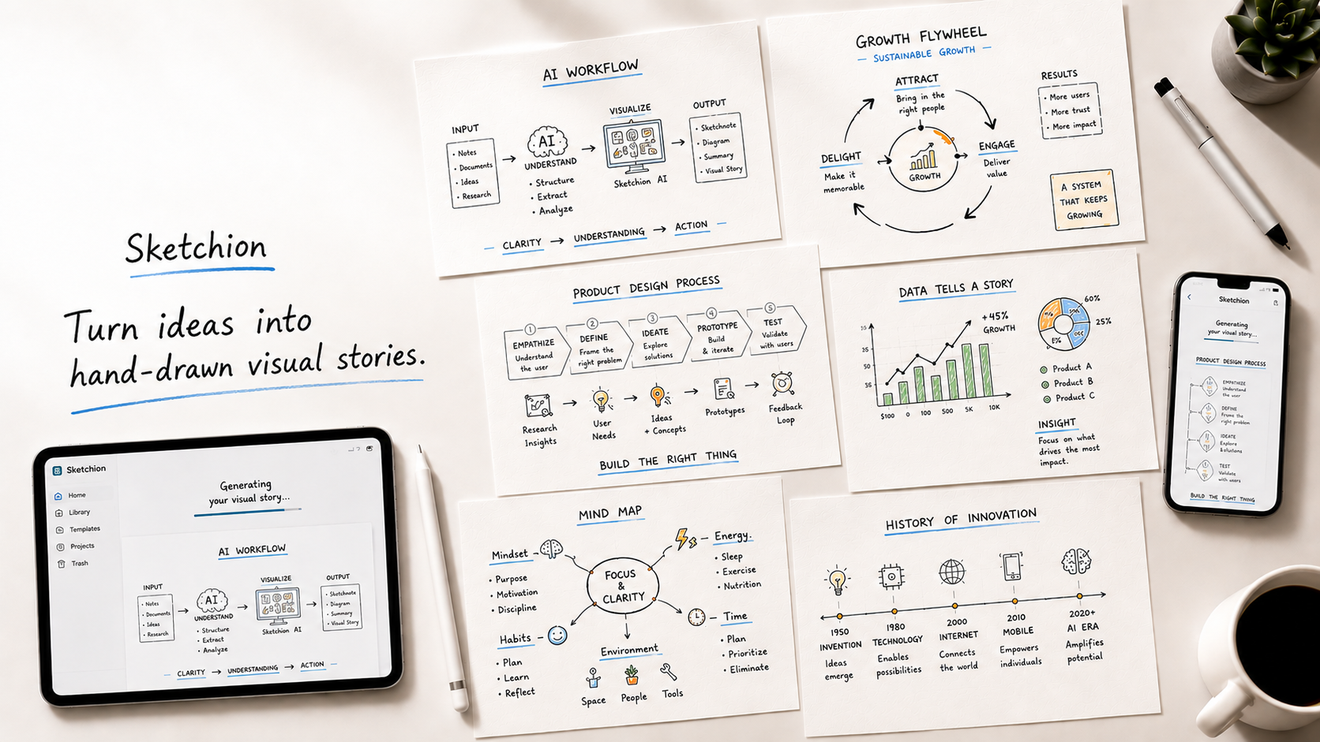
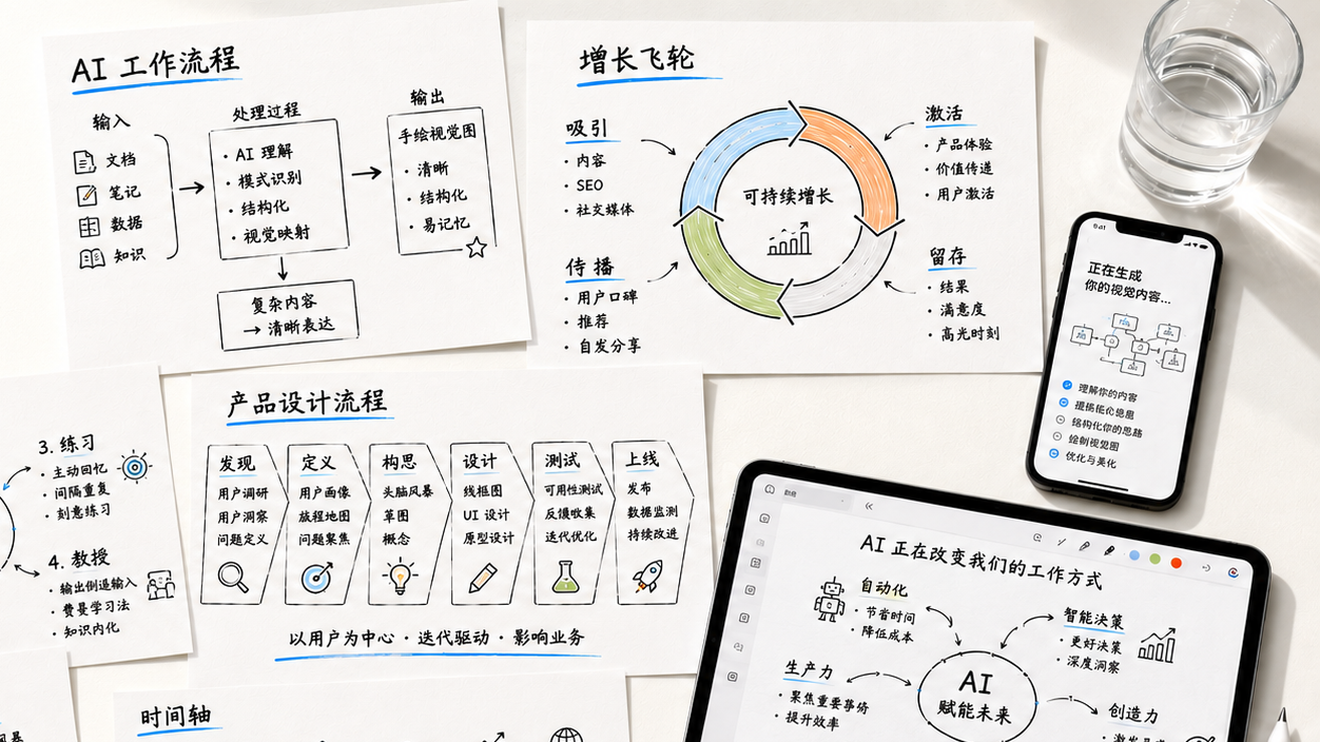
Start with messy notes, study material, or an early product thought. Sketchion shapes it into a hand-drawn-style visual draft you can check, refine, and decide when to share.
Launch access is intentionally held until App Store review and final product approval are complete.
Before / After
The product story starts with the artifact: a rough source on one side, a calmer explainer sheet on the other, and a visible review step before the draft is used or shared.

Editorial examples
Turn dense notes into a visual outline you can scan, question, and review.
Shape early product ideas, launch notes, or meeting summaries into a diagram draft.
Explore how to explain source material before publishing or sharing.
How it works

Bring in text, notes, or a supported connected-service import.

Sketchion looks for the idea, relationships, and labels that need a visual shape.

The app creates a hand-drawn-style sheet with structure, arrows, and short labels.

Check accuracy, adjust direction, then save or share only when you are ready.
Trust boundaries
Sketchion uses service providers for generation and account features. You keep the final call; Privacy and Support explain the details.
Generated visuals can be incomplete or wrong. Check before relying on them.
We may process usage, token, and cost records for operations, accounting, and abuse prevention.
Notion is used only after you connect it; Support explains disconnecting.
FAQ
No. Sketchion helps create a visual draft, but you should still review the final output.
Yes. Notion import is optional and can be disconnected when you no longer want to use it.
Support keeps restore, refund, account deletion, and privacy request guidance in one place.
Launch access stays gated until App Store review and final product approval are complete; this page keeps the product story, support paths, and policy context ready without pretending the app is already downloadable.


